


The Lowest Cost of Storage
The most flexible storage options: avoid pricey Microsoft storage and choose cheaper options like CrashPlan or bring your own.
Avoid Overage Charges
Save 60%+ on 365 mailbox data storage by archiving inactive data or large files, removing them from pricey Microsoft pooled storage.
Faster Recovery
Rapid, granular restores and self-service recovery to reduce the burden on your IT.

Built-in Compliance
Zero trust security, role-based access control, legal hold, fully customizable retention settings, comprehensive audit, and more.
Comprehensive Coverage for Microsoft Email & More
Back up all the critical data in your your teams’ ever-growing inboxes, as well as shared workspaces, files, and site content.

OneDrive

SharePoint

Exchange
Simplify M365 Email Backup
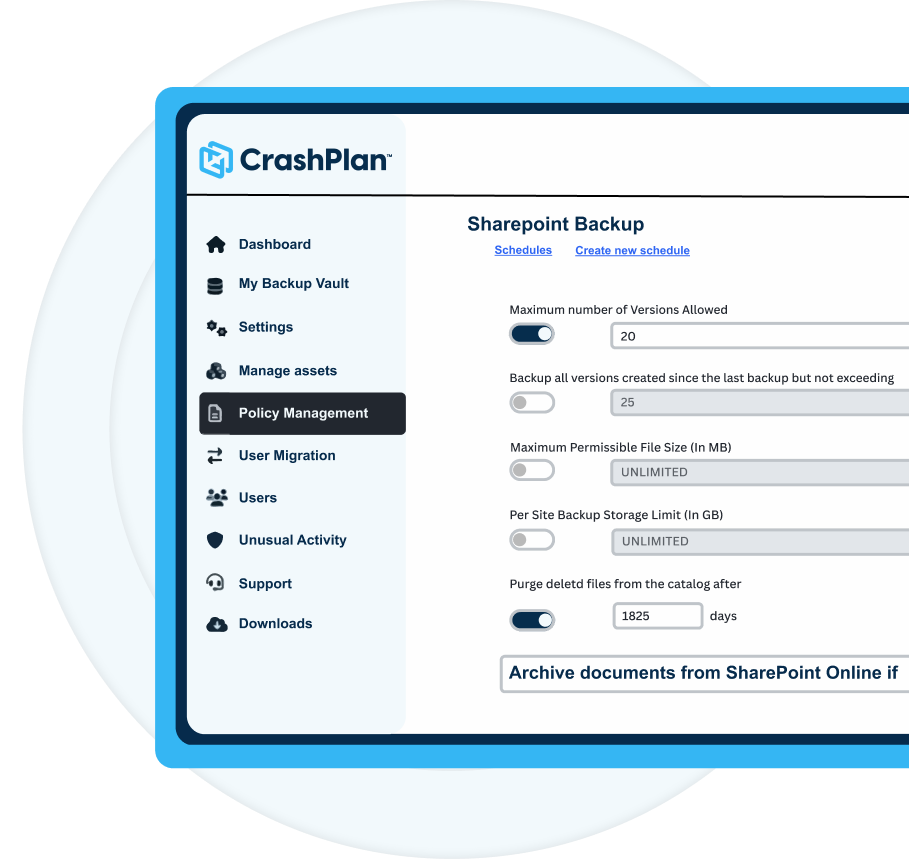
1. Create and automate your backup policy
Set your own policy so CrashPlan performs full, immutable mailbox backups at the frequency and for the data you set. Legal hold support, version history, chain-of-custody tracking, and comprehensive audit trails.
2. Cut your backup costs by ~60%
Use automated archiving for unused data and multiple storage options including the ability to repurpose unused OneDrive capacity to minimize storage costs.
3. Enable fast, self-serve recovery
Users can recover their own email files, freeing up IT teams from endless requests.
4. Be ready for disaster & recovery
Independent backups keep you safe from ransomware and accidental deletion.

Loved by customers



Time to back up 365 email
Data resilience starts with a solid backup plan.


